

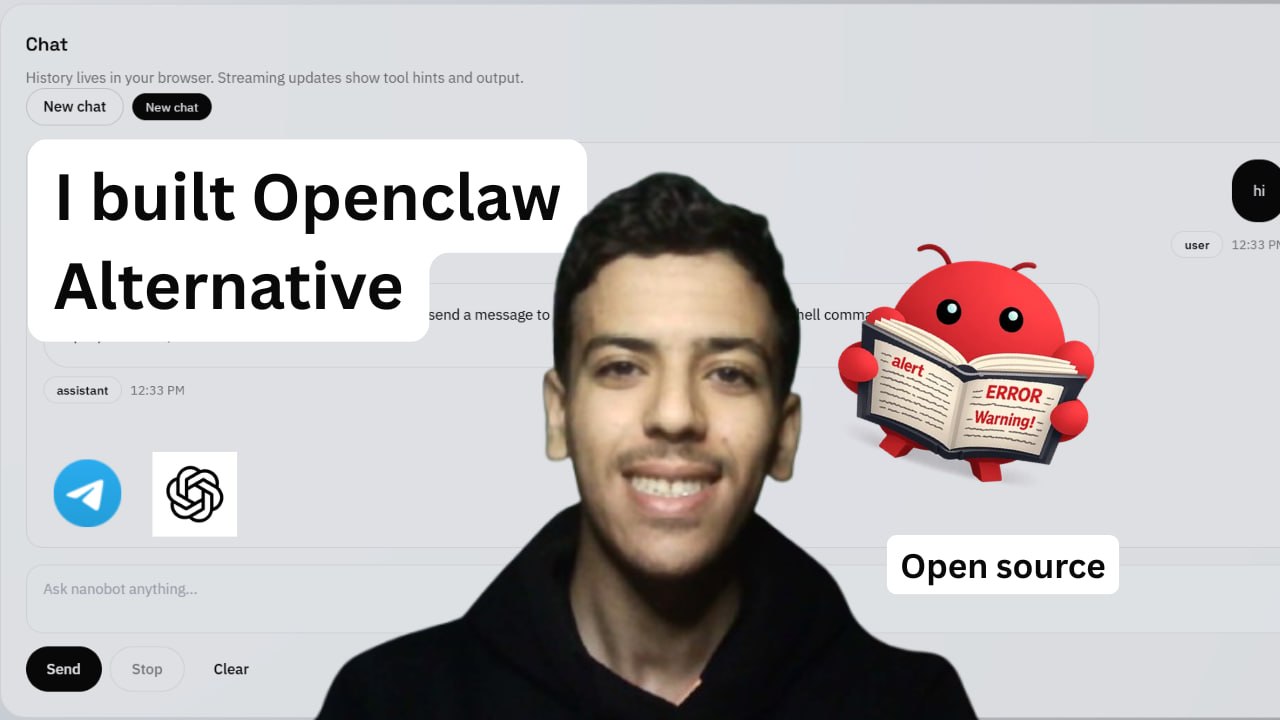
OpenClaw is incredible. 247,000 GitHub stars. 50+ chat channels. 13,000 community skills. It's the gold standard for self-hosted AI agents.
But it's also 430,000 lines of code. Setting it up takes real effort, and understanding what's happening under the hood? Good luck.
I wanted something different. Something I could read, understand, and modify in an afternoon — but still use every day across Telegram, Discord, WhatsApp, and a proper web interface.
So I built nanobot-web. And in this article, I'll walk you through exactly why it exists, how it compares to OpenClaw, and how you can set it up in minutes.
The Problem with OpenClaw (for most people)
Don't get me wrong — OpenClaw is a powerhouse. Originally called Clawdbot, it was created by Peter Steinberger and exploded in popularity. It can execute shell commands, browse the web, manage files, control your calendar, and run across 50+ messaging platforms. The ClawHub ecosystem alone has over 13,000 community skills with deep MCP integration.
But here's the reality for most developers and power users:
- The codebase is massive. 430K lines makes it nearly impossible to audit or customize without serious investment.
- Setup is manual and complex. Getting everything wired up correctly takes time and troubleshooting.
- It's built for maximum flexibility, which means maximum complexity.
If you're a power user who needs the full ecosystem — OpenClaw is your answer. But if you want an AI assistant you can actually understand? You need something leaner.
Enter nanobot — 99% less code
The Data Intelligence Lab at the University of Hong Kong built nanobot — the same agent loop, multi-platform messaging, and tool system as OpenClaw, compressed into roughly 4,000 lines of Python. Available on PyPI as nanobot-ai.
Nanobot proved that you don't need hundreds of thousands of lines to build a capable AI agent. But it had gaps:
- No web interface — CLI only
- No visual settings management — you're editing JSON files by hand
- No app integration layer — connecting external services required custom work
That's where my fork comes in.
What nanobot-web adds
nanobot-web is my fork of nanobot that fills in what I felt was missing:
Full React Web UI
Chat, settings, tools, memory, knowledge base, cron jobs, skills — all manageable from your browser. No more SSH-ing into a server to change your model or API key.
One-Command Installer
A single curl command detects your OS, installs Python and Node if needed, clones the repo, builds the frontend, and launches a setup wizard. Zero-to-running in minutes.
Composio Integration
Connect 250+ apps — Gmail, Google Calendar, GitHub, Notion, Slack, Shopify, HubSpot — directly from the setup wizard. Your AI assistant can now read your emails, create calendar events, and manage GitHub issues out of the box.
No Database Required
Everything is flat files in ~/.nanobot-web/. JSON, Markdown, that's it. No PostgreSQL, no Redis, no Docker.
Still Tiny
The core is roughly 2,800 lines of code. You can read the entire thing in an afternoon.
Side-by-Side Comparison
Here's how the three projects stack up:
| OpenClaw | nanobot | nanobot-web | |
|---|---|---|---|
| Code size | 430K lines | ~4K lines | ~2.8K core LOC |
| Web UI | No | No | Yes |
| Chat channels | 50+ | 13 | 13 |
| LLM providers | Many | 20+ | 20+ |
| Skills/MCP | 13K+ skills | Yes | Yes + Composio |
| Setup | Manual | CLI wizard | One-command install |
| Storage | Various | Flat files | Flat files |
The takeaway:
- Want the full ecosystem with thousands of skills? Go OpenClaw.
- Want something minimal you can read in an afternoon? Go nanobot.
- Want nanobot with a web UI and zero-friction setup? That's nanobot-web.
Setup: One Command, Six Steps
Here's the entire installation process.
Step 1: Run the installer
curl -sSL https://raw.githubusercontent.com/otman-ai/nanobot-web/main/install.sh | bash
The script automatically:
- Detects your OS and package manager
- Installs Python 3.11+ if missing
- Installs Node.js 20+ if missing
- Clones the repo and creates a virtual environment
- Installs all Python packages
- Builds the React frontend and WhatsApp bridge
Step 2: Walk through the Setup Wizard
Once installation finishes, the wizard starts automatically with six steps:
-
About You — Name, timezone, preferred language. Personalizes how the bot communicates with you.
-
Work Context — Communication style (casual, professional, technical), response length, your technical level. This builds a
USER.mdprofile the AI reads with every response. -
LLM Provider — Choose your model:
- Anthropic Claude
- OpenAI GPT
- DeepSeek
- Google Gemini
- OpenRouter (access everything with one key)
- Ollama (run locally, no API key needed)
-
Chat Channels — Enable Telegram, Discord, WhatsApp, or others. Paste your bot token. Skip any you're not ready for — add them later from the web UI.
-
Tool Integrations — Brave Search API for web search. Optional.
-
Composio — Connect 250+ apps. Get your key at app.composio.dev, paste it in. Or skip and add later.
Step 3: Launch
After the wizard, say yes to "Start web UI + gateway now?" It launches in the background and survives terminal close.
Open http://localhost:18790 — you're in.
The Web UI: Everything in Your Browser
Here's what you get:
- Chat — Streaming responses with access to all enabled tools (web search, file operations, shell commands, cron scheduling)
- Settings — Change model, API keys, temperature, context window. No JSON editing.
- Channels — Enable/disable messaging platforms. Paste tokens directly.
- Tools — Toggle individual tools. Add MCP servers. Configure Composio.
- Memory — View and manage the bot's persistent memory across conversations.
- Knowledge — Upload PDFs, text files, code for the bot to reference.
- Cron — Schedule recurring tasks: "Summarize my emails every morning at 9 AM."
- Skills — View and manage loaded skills.
Everything stored locally in ~/.nanobot-web/. Your data never leaves your machine.
How I Actually Use It Daily
This isn't a toy project I built and forgot about. Here's my actual daily workflow:
Morning briefing via Telegram — I set up a cron job: every morning at 8 AM, the bot summarizes my unread emails and sends it to my Telegram. I read it on my phone before I even open my laptop.
Calendar management — I message my bot "what's on my calendar today?" — it checks Google Calendar via Composio and replies instantly.
Coding assistant — From the web UI, I ask questions about my codebase. It reads files, searches code, and can even run commands.
On-the-go access — Quick question from my phone? Telegram or WhatsApp. At my desk? Web UI. Same bot, same memory, same context.
Who Should Use This
nanobot-web is for you if:
- You want a self-hosted AI assistant but don't need 430K lines of code
- You want a web UI without running Docker or PostgreSQL
- You want to connect your apps (Gmail, Calendar, GitHub) without writing custom integrations
- You want to understand every line of the code running your AI agent
- You want to be up and running in under 10 minutes
Stick with OpenClaw if:
- You need the 13,000+ community skill ecosystem
- You need 50+ chat channel support
- You want maximum flexibility and don't mind the complexity
Get Started
The repo is open source. One command to try it:
curl -sSL https://raw.githubusercontent.com/otman-ai/nanobot-web/main/install.sh | bash
If you run into issues or want to contribute, open an issue on GitHub. The codebase is small enough that you can actually fix things yourself — and that's the whole point.
Want OpenClaw set up for you?
Skip the setup hassle. Get OpenClaw configured by the experts who built it.
Secure payment via Stripe. Questions? Reply to the confirmation email.
Custom AI Agents — Built & Deployed
Need a custom AI agent built and deployed for your business?
We design, build, and deploy production AI agents and automation systems — 15+ systems shipped across 5+ industries — for businesses that need it to actually work, not just a demo.
Get a Free AI Project Assessment